
Article: Touch Faucet Not Working? Seven Checks Before You Call a Plumber
Touch Faucet Not Working? Seven Checks Before You Call a Plumber
Touch faucet not working? In most kitchens the cause is one of four things, and three of them are fixed at the sink in under ten minutes: dead or badly seated batteries, a battery box connector that has worked loose, a wire that was never fully clicked home at install, or a wire pinched behind the shutoff valves. Open the cabinet and check the battery box before you do anything else. A touch faucet that has stopped responding is almost never a faucet that needs replacing, and while you work through the checks the handle still turns water on and off like a standard faucet, so your kitchen keeps running. This touch faucet troubleshooting guide walks the checks in the order a plumber would run them, cheapest and quickest first.
The short version
- Batteries first. Four AA batteries power the sensor. They are the cause more often than everything else combined.
- Check the connectors, not the faucet. Nearly every touch failure lives under the sink, at the battery box or the wire running to the Touch Sense Sensor.
- You are not stuck. The handle works normally whether or not the sensor does.
- Water running on after you tap off is usually the spray head or a stuck spray switch, not the electronics.
- Random activation almost always traces to something resting against the spout.
Seven checks, in order
A touch kitchen faucet not working after months of faultless service is following a well worn script, and these checks run it in order. Stop at the one that fixes it. You need no tools for the first four.
- Replace all four AA batteries with a fresh set. Not one, not a mix of old and new. A touch sensor draws current in short bursts, so a pack can hold enough charge to light an indicator and still not have enough left to open the valve. Batteries are the single most common cause of a touch faucet not working, and they are also the cheapest thing to rule out.
- Check the batteries are seated the right way round. Press each one down in its cradle until it stops moving. A battery sitting a hair proud of its contact behaves exactly like a dead battery.
- Unplug and reseat the connector between the battery box and the Touch Sense Sensor. Pull it apart, look for corrosion or a bent pin, push it back together until it clicks. Under sink cabinets get damp and knocked about, and this connector loosens over time. Wipe any moisture off the Touch Sense Sensor and the connector while you are down there. Under sink cabinets get damp, and a damp connector behaves exactly like a loose one.
- Check both ends of that same lead are pushed fully home. It is the only wire you can reach under there, and nothing runs up to the faucet body itself, so there is nothing to pull at above it.
- Give the faucet a full power cycle. Disconnect the battery box for sixty seconds, then reconnect it. The sensor recalibrates on power up, and this clears a sensor that has drifted out of range after a knock or a spill.
- Clear the spout and the counter around it. Move dish cloths, a soap bottle leaning on the body, a metal drying rack touching the base. See the section on random activation below for why this matters.
- Check the water supply itself. Turn the handle. If the handle gives you no water either, the problem was never the sensor: check both shutoff valves under the sink are fully open.
Why is my touch faucet not working when the handle is fine?
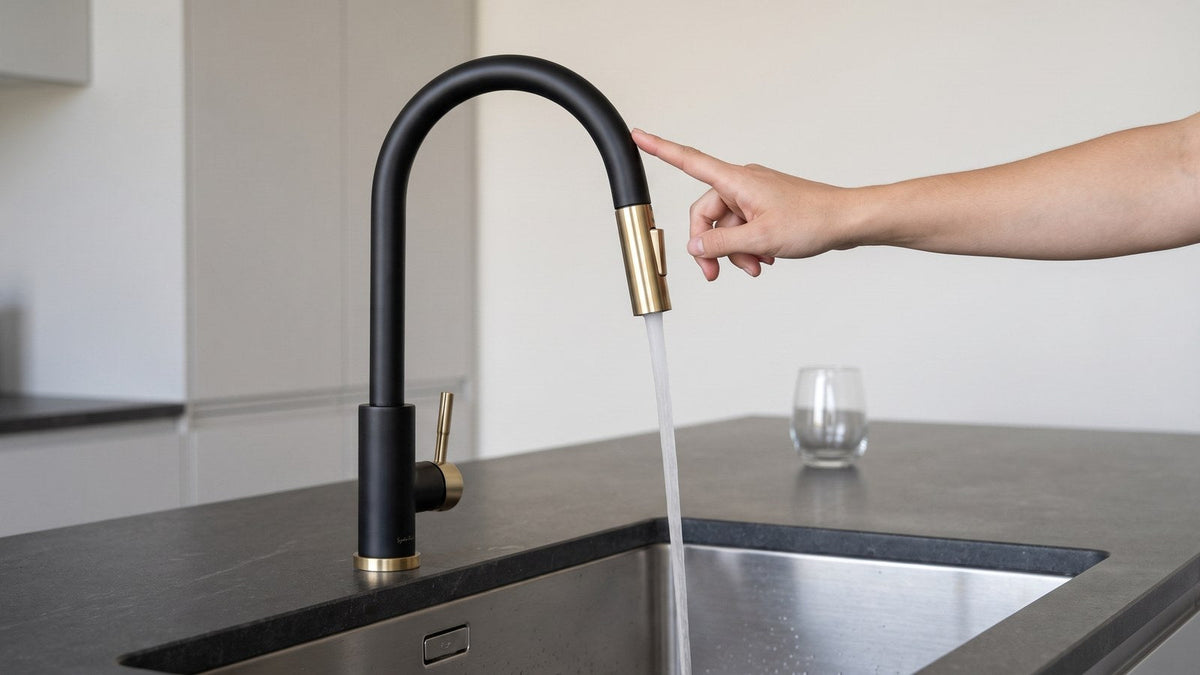
A capacitive sensor is a sensor that responds to contact, not to motion. It reads the tiny change in electrical charge that happens when your skin touches the metal body, which is why a touch faucet answers a deliberate tap with a knuckle or a wrist but ignores a hand waving past it. That distinction explains most of what looks like faulty behavior. The sensor is not watching for you. It is waiting to be touched.
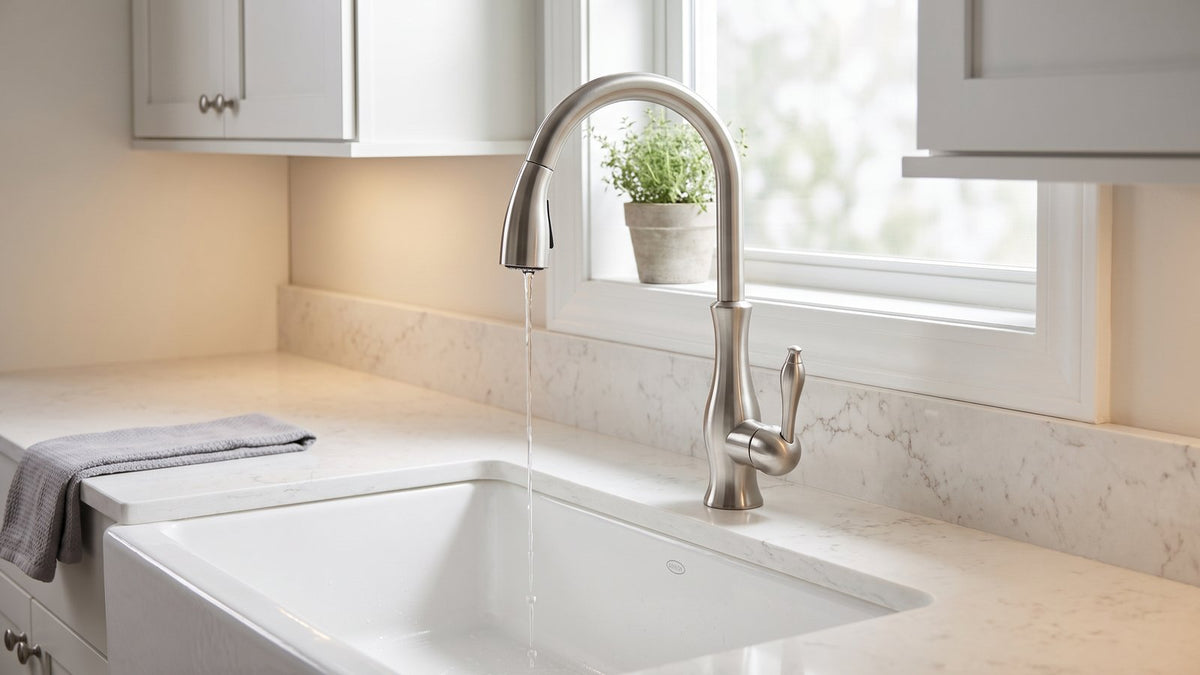
Our touch faucets, including the Imperium Touch Kitchen Faucet, use a capacitive sensor wired to a battery box that mounts inside the cabinet. Four AA batteries run it. There is no mains wiring, no transformer, and no electrician involved, which is good news when something stops working: everything you need to reach is in the cabinet under the sink, and none of it is live household current. It also means a power outage changes nothing about how the faucet behaves.
Because the sensor is isolated from the handle and from the pull-down sprayer, a sensor fault does not spread. The ceramic disc valve behind the handle is a separate mechanical part. So do touch faucets work without batteries? Yes, as ordinary manual faucets. If the electronics fail completely, you lose the tap-on convenience and keep a fully working single handle faucet with the same 1.8 GPM at 60 PSI flow it always had.

Match the symptom to the cause
| What you see | Most likely cause | First thing to try |
|---|---|---|
| No response to any tap, handle works fine | Batteries, or a plug that has worked loose | Fresh set of four AA batteries, then unplug the connector under the sink and push it firmly back together |
| Responds only sometimes, or takes several taps | Weak batteries, or the sensor wire not fully pushed in | Replace the batteries, then press both ends of the wire between the Touch Sense Sensor and the battery box firmly home |
| Water keeps running after you tap it off | Grit in the spray head, or the spray switch stuck between settings | Unscrew the spray head from the hose and rinse it, then click the spray switch firmly through both settings |
| Turns on with nobody touching it | Something resting against the spout or base | Clear the counter, then unplug the battery box for a minute and plug it back in |
| Still not working after a battery change | A plug not fully pushed back in, or a battery in backwards | Check the batteries are the right way round, then unplug the battery box for a minute and plug it back in |
| Weak or spitting flow, sensor responds normally | Sediment in the spray head or one of the two filter screens | Unscrew the spray head and soak it in white vinegar, then check the screens at the hose connector and the Touch Sense Sensor nut |
When the water keeps running after you tap off
This one alarms people more than it should, and it is usually mechanical rather than electronic. Water that trails on for a second or two after the tap is the line emptying, which is normal. Water that genuinely keeps flowing points at one of two things. Either a fragment of grit is holding the valve seat open, in which case running the faucet at full flow for thirty seconds often flushes it clear, or the two function spray head is caught between stream and spray. Toggle the rocker switch on the spray head firmly through both positions and let it settle.
Grit is most common in the first weeks after any plumbing work, because opening the supply lines stirs up sediment that has been sitting in the pipes. If the trailing flow started the same week a dishwasher went in or a valve was replaced, that is almost certainly your answer.
When your touch faucet turns on by itself
A touch faucet turning on by itself is not a haunted faucet and it is rarely a failed sensor. Capacitive sensing works by charge, so anything conductive that stays in contact with the body reads as a continuous touch. The usual suspects are a wet dish cloth draped over the spout, a metal drying rack pushed against the base, a soap dispenser leaning on the body, or a pan handle resting across the neck. Clear everything off and away from the faucet, disconnect the battery box for a minute, and reconnect. The sensor recalibrates to its new surroundings on power up.
If it still triggers on its own with a completely clear counter, that wire between the Touch Sense Sensor and the battery box is the next thing to look at, and that is the point to get in touch with us rather than keep pulling at wires.

When the problem is not the sensor at all
Plenty of calls that start with a touch faucet not working turn out to be about flow rather than electronics. If the sensor answers your tap and the handle turns freely but the stream is thin or spitting, the spray head is the place to look. It unscrews from the pull-down hose, and a soak in white vinegar clears the mineral buildup that a hard water area leaves behind. The EPA's WaterSense program puts the principle plainly in its home maintenance guidance: "Periodically inspect your faucets for scaling or calcium buildup and use white vinegar or another cleaning product to remove any buildup that may be restricting flow."
There are two more places sediment collects and most people never look at either. There is a filter screen inside the connector where the pull-down hose joins the faucet, and another at the hexagonal nut on the Touch Sense Sensor. Both catch grit coming up the supply line, and both unscrew, rinse and go back. Shut the water off at the valves under the sink before you open either one, because both sit on the pressure side. With the water off it is a five minute job.
The same logic applies to the hose itself. A 63 inch spray hose that has kinked behind the basin will throttle the stream long before any sensor does. Pull the head out to its full extension and check the hose is running freely and not caught on the drain trap.
What is covered if the sensor really has failed
If you have worked through every check and the sensor is genuinely dead, the electronics are covered. Touch sensors and battery boxes carry a 2 year warranty from the date of purchase, and the non electronic parts of the faucet, including the cartridge, the handle, the spray head and the pull-down hose, carry 5 years. The batteries themselves are a consumable and are not covered, which is standard across the industry. Coverage applies to the original purchaser, on US residential installations, and covers replacement parts rather than labor. You can read the full terms in the warranty policy before you file anything.
In practice a failed sensor means we send a sensor, not a faucet. That is the part that comes out and goes back in, and it does not require pulling the faucet from the counter.
Buying with this in mind
If you are reading this before you buy rather than after, the reliability question is a fair one to ask, and it deserves a straight answer rather than a sales pitch. A touch sensor is one more component than a manual faucet has, and one more component is one more thing that can need attention. What makes it a reasonable trade is that the failure modes are shallow: batteries, connectors, and things leaning on the spout account for the overwhelming majority, and none of them leaves you without a working faucet in the meantime.
The Arcus touch faucet stands 17.75 inches tall with a 9.25 inch spout height, giving more clearance over a deep basin than the shorter Imperium at 16.375 inches. Both share the same capacitive sensor, the same stainless steel body, and the same certifications: ASME A112.18.1M for faucet performance, NSF/ANSI 61 and NSF/ANSI 372 with California AB1953 for lead free construction. If you are still weighing the technology itself, we cover how touch and touchless sensors differ in a separate comparison.

Frequently Asked Questions
Why did my touch faucet stop responding to taps?
Dead or poorly seated AA batteries are the cause in most cases, followed by a connector at the battery box that has worked loose. Replace all four batteries with a fresh set, then unplug and firmly reseat the connector. If neither works, disconnect the battery box for sixty seconds so the sensor recalibrates on power up.
How long do the batteries in a touch kitchen faucet last?
Battery life depends almost entirely on how often the sensor is used, so a busy family kitchen will get through a set faster than a household of two. The practical signal is behavior rather than a calendar: when the faucet starts needing two or three taps where one used to do, the batteries are on their way out. Keep four spare AA batteries in the cabinet.
Why does my touch faucet keep running after I turn it off?
A second or two of trailing water is just the spout emptying and is normal. Flow that genuinely continues usually means grit is holding the valve seat open, or the two function spray head is caught between stream and spray. Run the faucet at full flow for thirty seconds to flush it, then cycle the rocker switch on the spray head through both positions.
Can I use the faucet by hand while the touch sensor is out?
Yes. The single lever handle operates the ceramic disc valve mechanically and works whether or not the sensor has power. You keep full control of temperature and flow, and the pull-down sprayer is unaffected. A flat battery is an inconvenience, never a faucet you cannot use.
Does the touch sensor need to be reset after changing the batteries?
No separate reset button is needed. The sensor recalibrates automatically when power is restored, which is why a sixty second disconnect is the standard fix for odd behavior. Make sure the counter is clear of cloths and metal racks while it powers up, because it calibrates to whatever is touching the faucet at that moment.
Shop the touch kitchen faucets
Both of our touch models pair a capacitive sensor with a pull-down sprayer, a stainless steel body and a ceramic disc valve, and both include the sensor, the battery box and its mounting kit in the box. Four AA batteries are required and are not included.
- Imperium Touch Kitchen Faucet with Gooseneck Pull-Down Sprayer. 16.375 inches tall, 8 inch spout height, 8.625 inch reach. The lower profile suits a window above the sink.
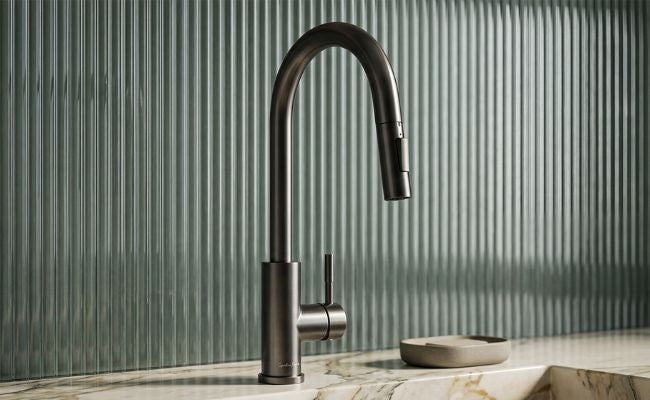
- Arcus Touch Kitchen Faucet with Pull-Down Sprayer. 17.75 inches tall, 9.25 inch spout height, 8.625 inch reach. The extra clearance helps with deep basins and stockpots.
Browse our touch kitchen faucets to compare finishes across both models.